
The Collectiblz app
Know what you have. Find what you need.
Find your checklist. Mark what you have and what you need. Track down the pieces you’re missing. All in a free app for the things you love to collect.


Your collection, item by item
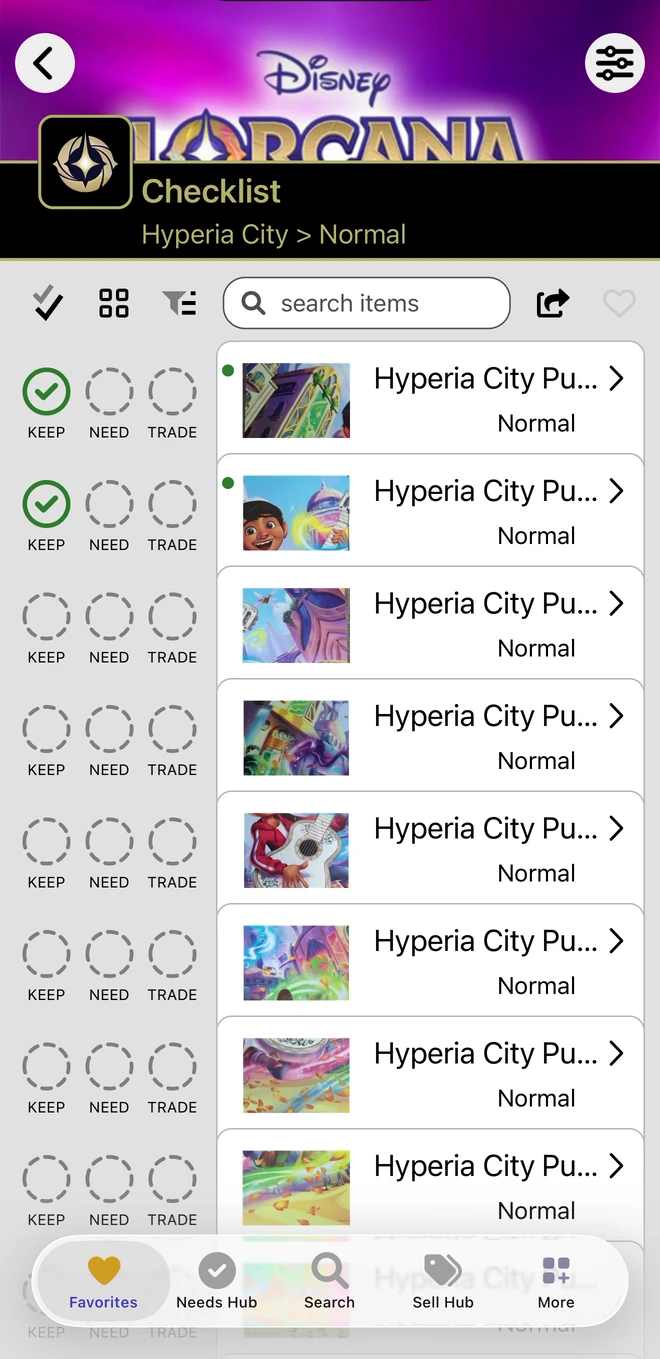
Have, Need and Trade
- Have Mark the items you own with KEEP.
- Need Mark the items you want with NEED.
- Trade Mark spare items with TRADE after enabling the Trading Module in Preferences.
Trade is optional: turn on the Trading Module in the app’s preferences.
01 · Find your list
Find the checklist for your collection.
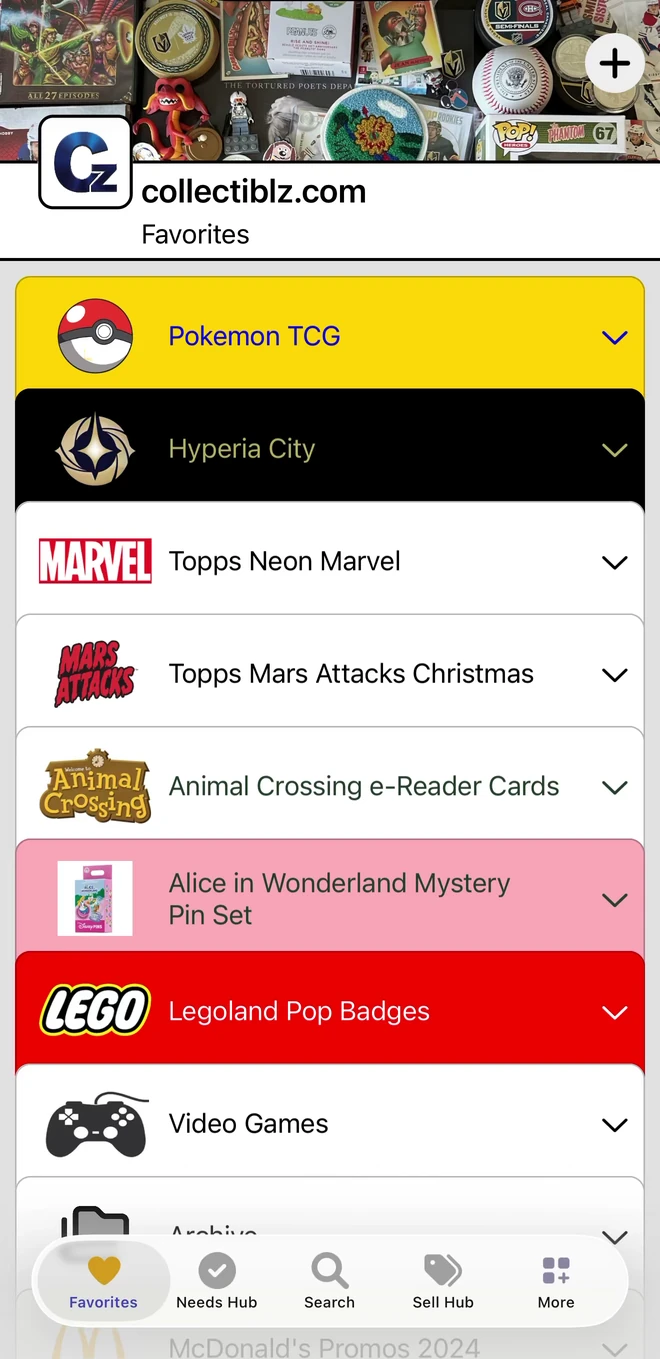
Browse lists by category or search for the exact set, line or series you collect, then join it.
- Find lists by category, and search for a list by name
- Join the lists you collect and they appear on your Favorites
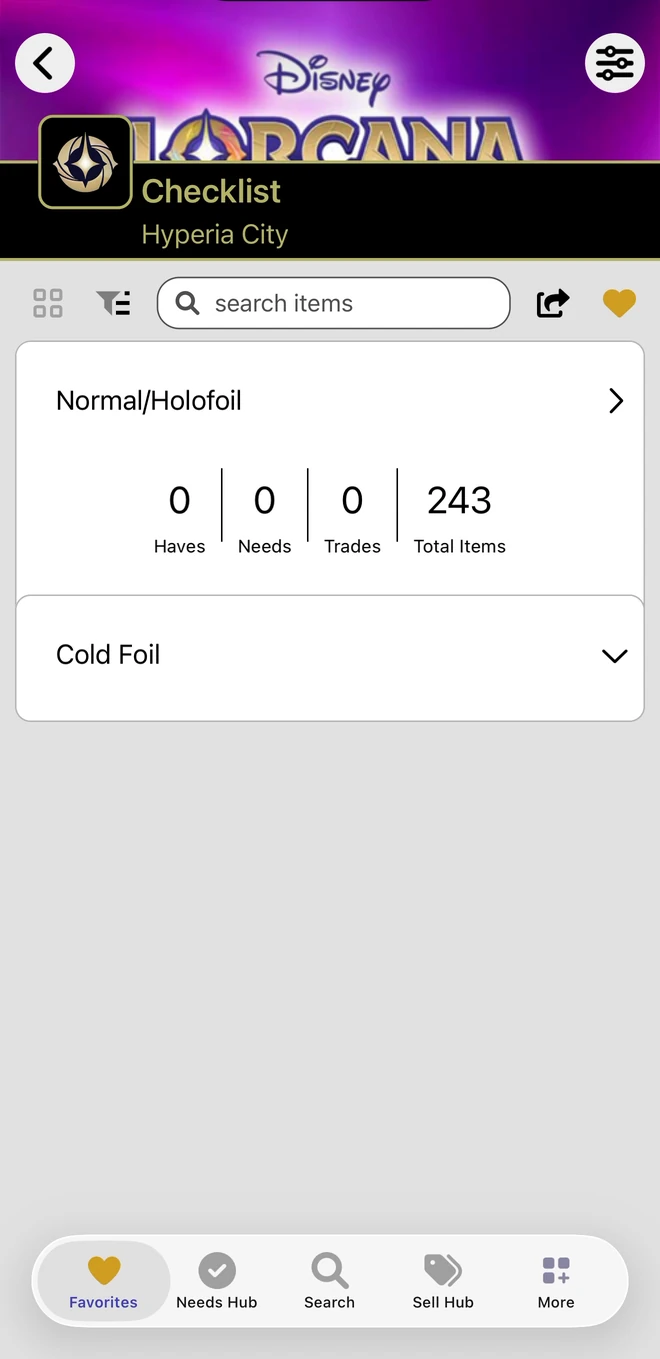
- Open a list to see each set with its Haves, Needs, Trades and total items
02 · Mark what you own
Mark every item in a tap.
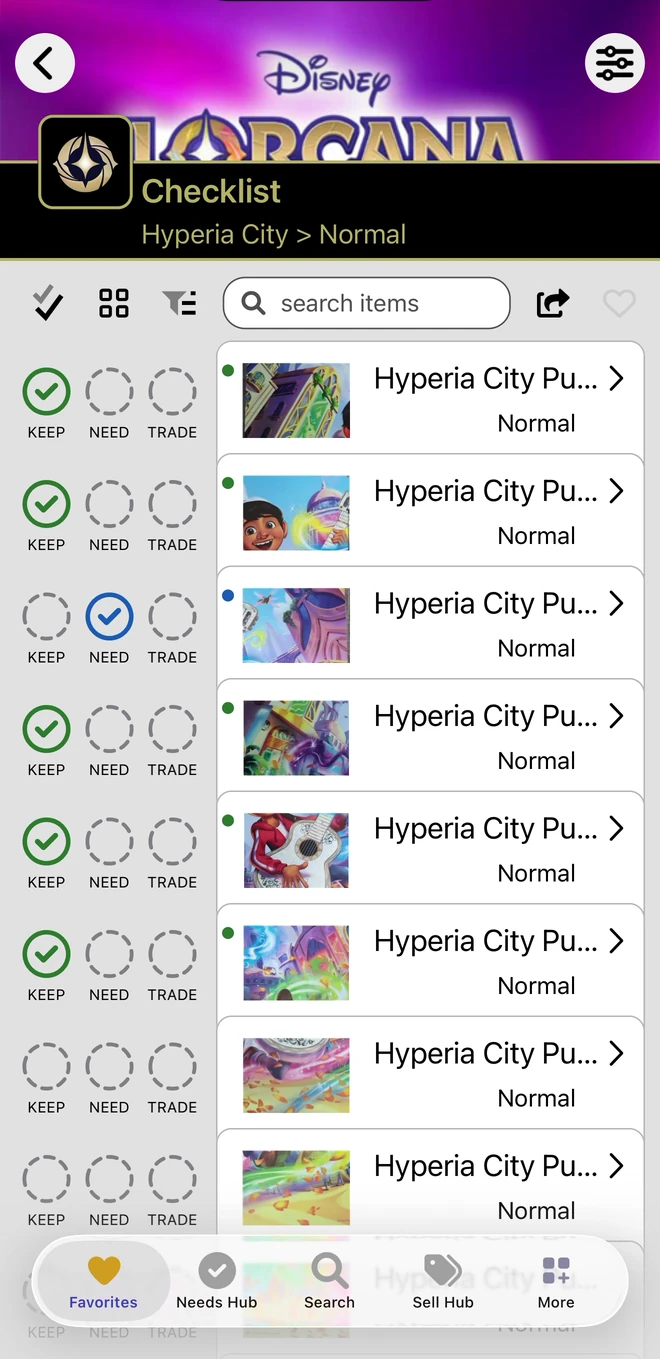
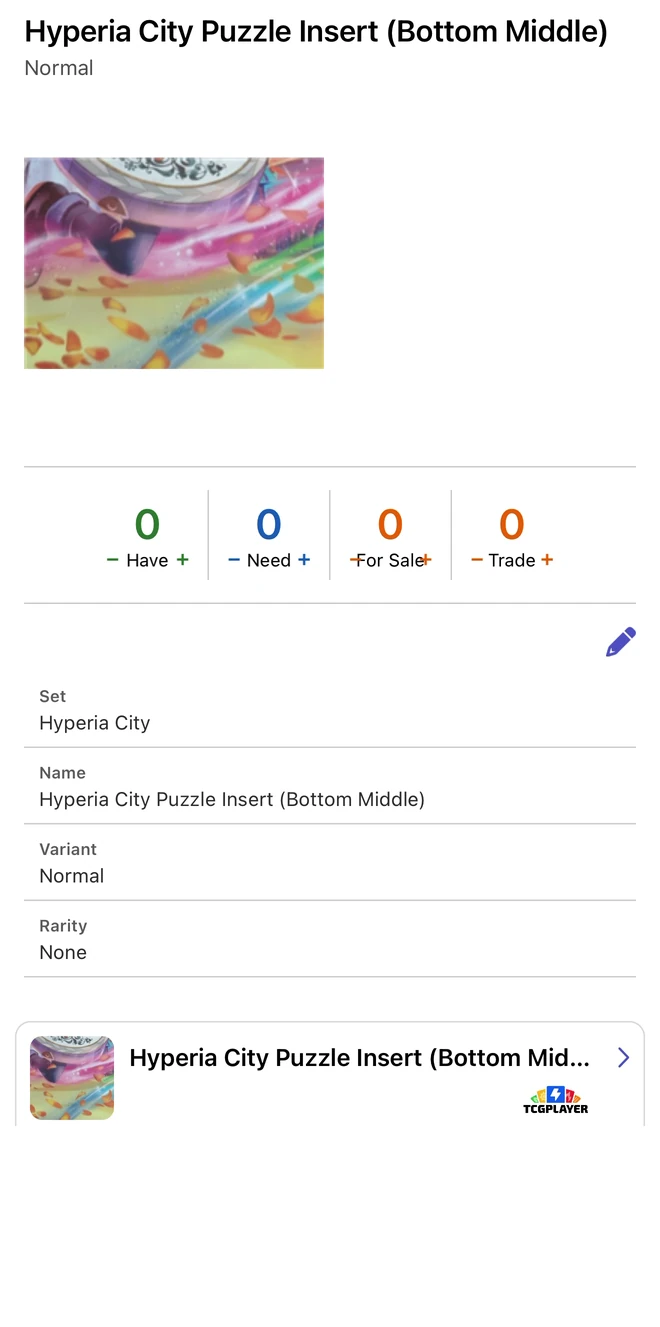
Every item on a checklist has its own circles. Mark what you keep, what you need and what you would trade, then open the item to see everything stored about it.
- KEEP, NEED and TRADE circles right on each item
- Check an item's name, set, version and other identifying details
- Have and Need counts on each item, and Trade counts when the Trading Module is on
03 · Find the missing pieces
When you know what you need, the app helps you go get it.
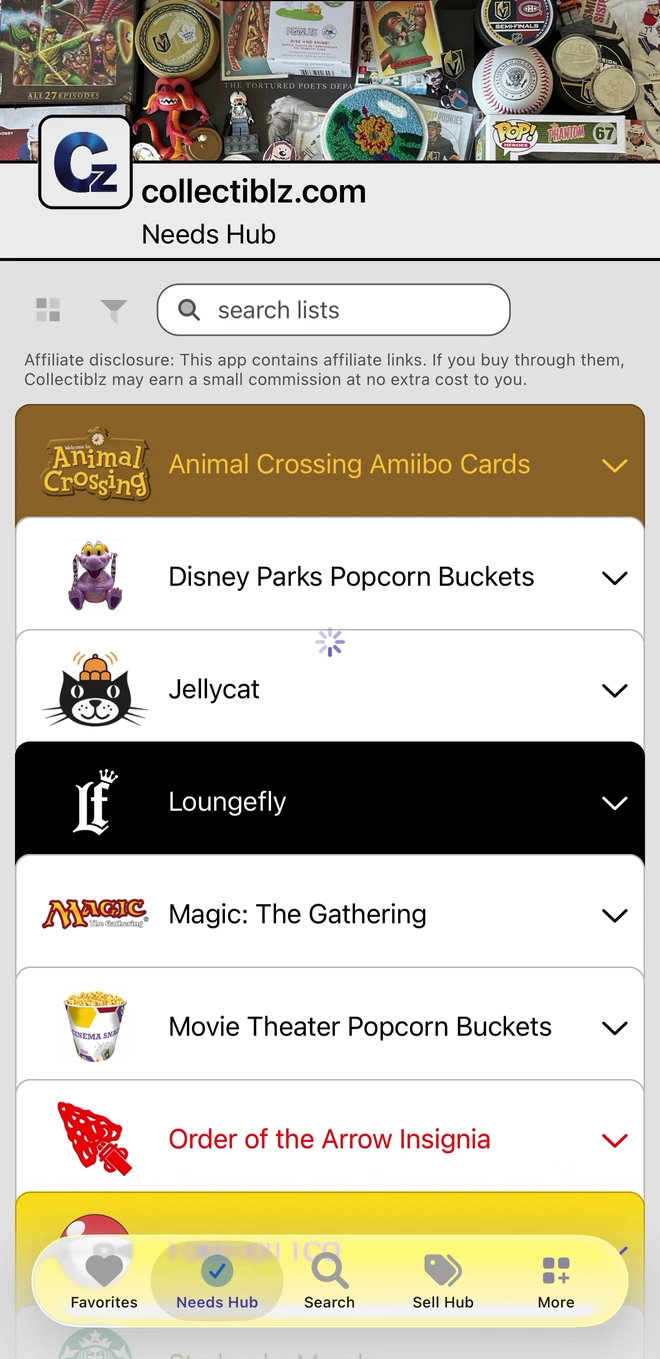
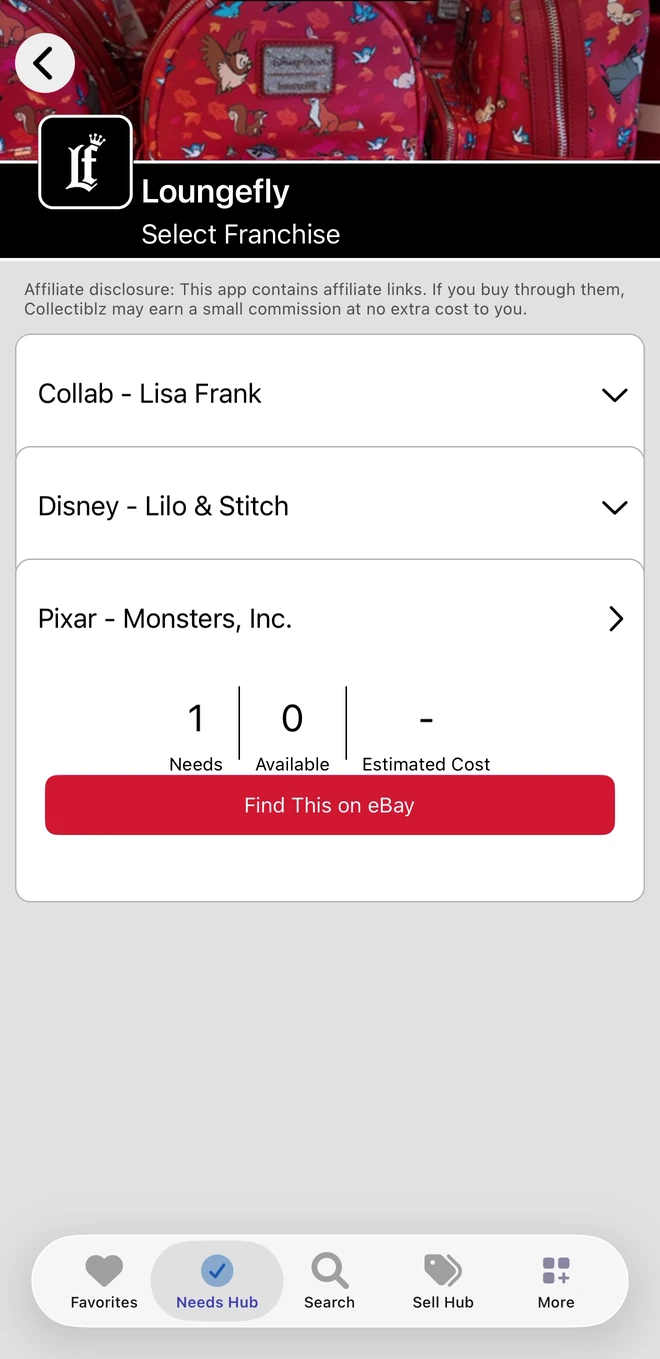
Open the Needs Hub to work through your missing items by list and group. See your Needs, available matches and estimated cost, then follow buying links where available.
- Needs, Available and Estimated Cost for each group
- Buying links on eBay where pieces are available
- Narrow a list to the group you collect
Also in the app
More ways to share and find what you collect.
-
Share links
Send a public, filterable view of your Needs or your Dupes by message, email or social media.
-
Scan to Identify (beta)
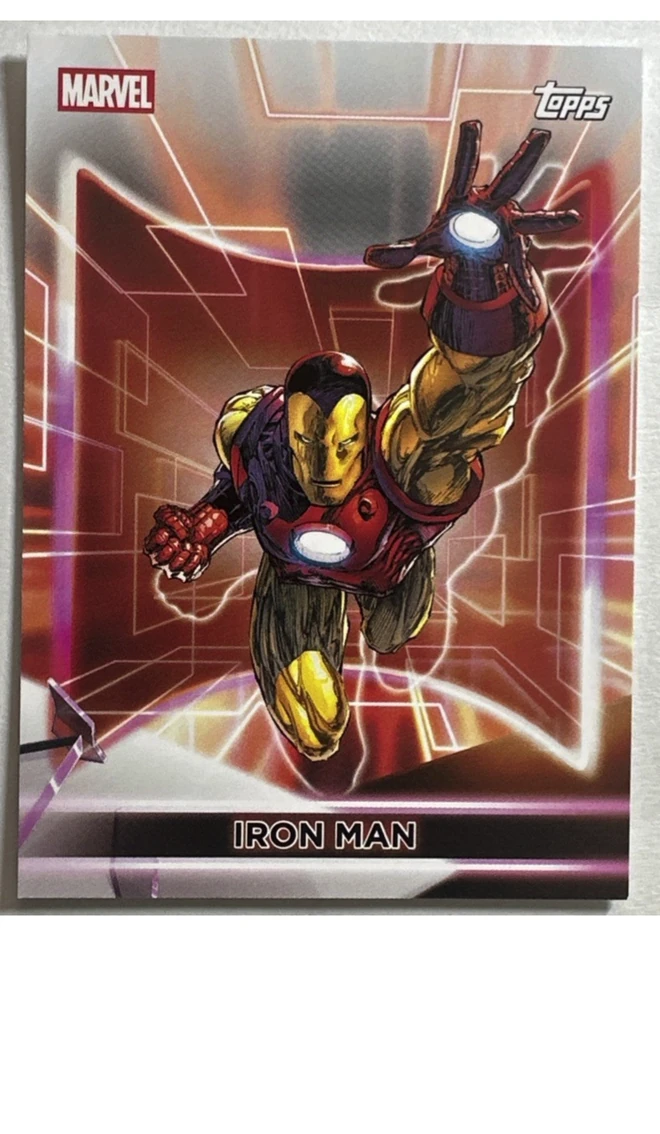
Photograph a card or collectible to find it in the catalog. Turn it on in the app's preferences.
Some buying links in the app are affiliate links. If you buy through them, Collectiblz may earn a small commission at no extra cost to you.
Take your checklist with you
Download Collectiblz free for iPhone, iPad or Android.